
MDC controllers
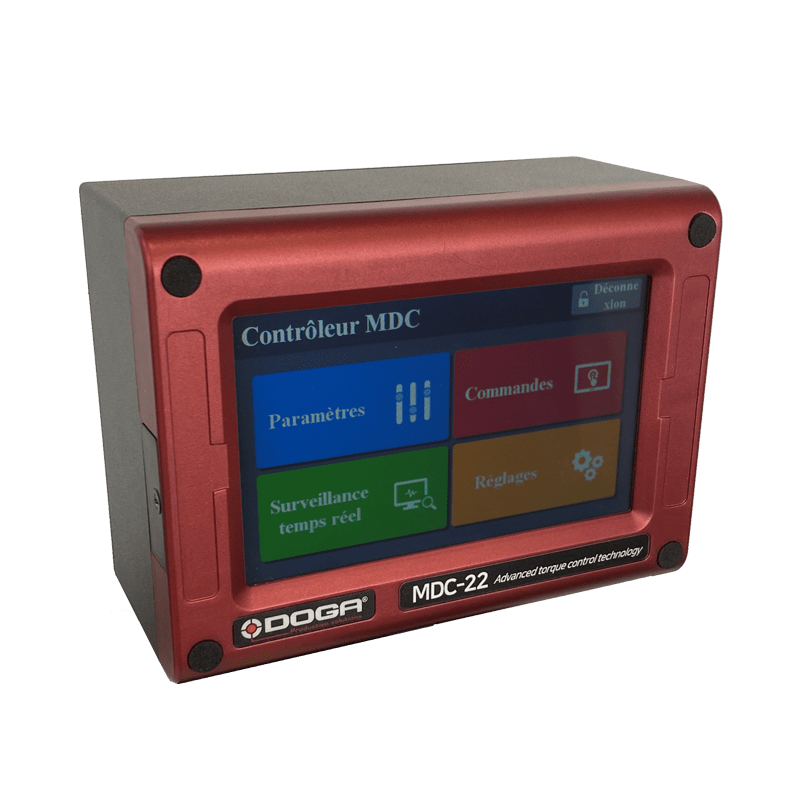
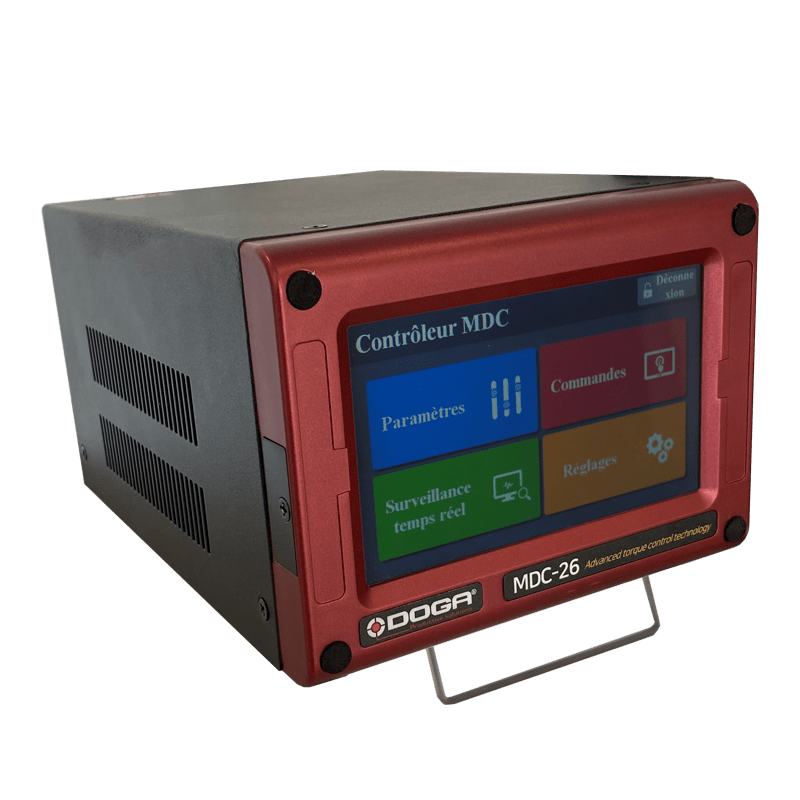
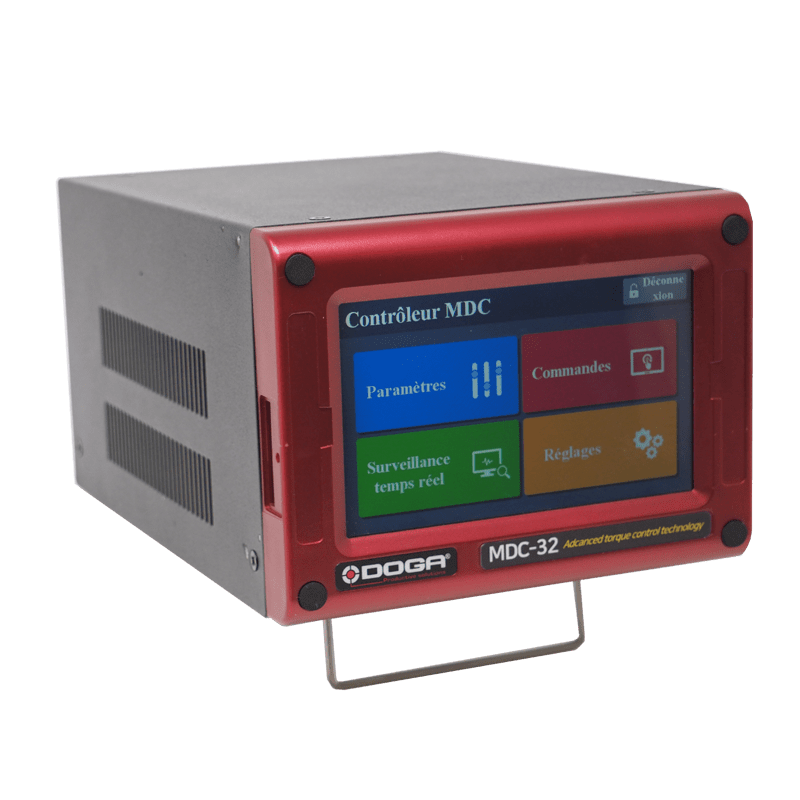
MDC controllers
Product description
-
Self-learning mode for optimized tightening parameters
-
Sequencing models with assignable tightening program, batch counting
-
Logical I/O managment
Input: AC230V, 50/60Hz
Output: DC38V 3.5A
Fuse: 230V 5A
Operating environment: 0 ~ 40°C / 15 ~ 80% RH (without dew)
Front panel: 5” color LCD with touch screen
Communication: 1 x RS232C, 1 x Ethernet
Protocol: Modbus RTU, Modbus TCP/IP
I/O: 15 Inputs & 8 Outputs assignable I/O (25P D-Sub)
Tightening strategies: 15
Torque calibration: - 10% ~ +10%
Screwdriver recognition: Auto detection of connected driver when power ON of controller
Error display: Error code display (3 groups)
Fastening verification: Fastening data verification (NG/OK) by the preset pattern of angle
• RS232 Cable DB9 Male/DB9 Female 3 meters: Code P101542
• USB to RS232 converter: Code P101402
• Lift-up stand kit: Code P100971
Associated products
ParaMon-Pro X controller
BST Color bit tray
Resources
3Plan



1Commercial documentation

Torque and angle control screwdrivers - MD series - DOC.60303
- Straight screwdrivers - MD series
- Pistol screwdrivers - MDP series
- Angle head screwdrivers - MDH series
- Spindle for automation - MDA series
- MDC controllers
- Programming software
- Accessories and services provided
- Additional products
- Our services
4Software

ParaMon software
The compressed file contains 2 generations of software and screwdriver firmware.
You should use the generation corresponding to the firmware currently installed on your screwdriver or controller in order to update it to the latest version without changing settings.
- ParaMon III for GEN1 screwdrivers with firmware versions v2.3.xx and v3.xx.xx
- ParaMon4 for GEN2 screwdrivers with firmware versions v4.xx.xx and v5.xx.xx
Upgrading from GEN1 to GEN2 is possible but will result in incompatibilities if your equipment communicates with an existing automation system, as well as a loss of settings (please contact us first).
Please note that BM(T) screwdrivers have two distinct firmware versions depending on the Wi-Fi module model installed. If the character ‘+’ appears after the text ‘network info’, the firmware to use is the one with a filename containing xxx_9116_xxx.bin.
Please refer to document 60205, which lists all firmware versions.
Files version:
• Readme
• 60205 ParaMon XML vs Firmware 07-2026
ParaMon III:
• BM_FW v1.34.6 + XML v1.10
• BM_FW_v1.54.6_RS9116+XML_v1.10
• BMT_FW v1.44.7 + XML v1.11
• BMT_FW_v1.54.7_RS9116+XML_v1.11
• MDC22_MINI_FW_v3.01.2+XML_v1.10
• MDC26&32_FW_v2.32.7+XML_v1.10
• MDTC38_Normal_FW_v1.34.5+XML_v1.13
• ParaMon_v3.00.9_20260402
• ParaMon III manuel d'utilisation - DOC.41014
• ParaMon III user manual - DOC.60505
ParaMon4:
• BM_FW_v4.0.12+XML_v4.2.1
• BM_FW_v4.3.12_RS9116+XML_v4.2.1
• BMT_FW_ v4.0.13+XML_v4.2.1
• BMT_FW_ v4.3.13_RS9116+XML_v4.2.1
• BMT40_FW_v4.0.14+XML_v4.2.1
• MDC_FW_v4.0.12+XML_v4.2.1
• MDC_MINI_FW v4.0.12+XML_v4.2.1
• MDTC_MINI_FW_v4.0.14+XML_v4.2.1
• MDTC38_FW_v4.0.14+XML_v4.2.1
• ParaMon_4.1.2_net8.0_20260508
• ParaMon-Pro X v4.2.2 20251216
• Mise à jour firmware vers Gen 2
• Update to Gen 2 firmware
Download the file in zip
2Technical documentation
COM Modbus MDC V2 / MDT protocol and registers lists - DOC.60430 - DOC.60454 - DOC.60455
- Com Protocole MODBUS MDv2 MDT – DOC.60430
- Modbus MDCv2 address and function – DOC.60454
- Modbus MDTC address and function – DOC.60455

COM OPEN Protocol MD(T) / BM(T) series user manual - DOC.60428
1- Controller firmware version
2- Communication type
3- Message structure
4- Communication flow
5- Communication messages
Instructions manual torque and angle control tools - MD series / MDC V2 - MU.60342
- General safety rules
- Product
- Main features
- Screwdriver
- Screwdriver cables
- Controller MDC V2
- Operation
- Firmware upgrade
- Torque calibration and compensation
- Error code
- Web server
- Parameter details and factory setting
- MOSBUS COM protocol
- Maintenance
- Standard